Happy Path Testing in Software Testing: Examples & Tips
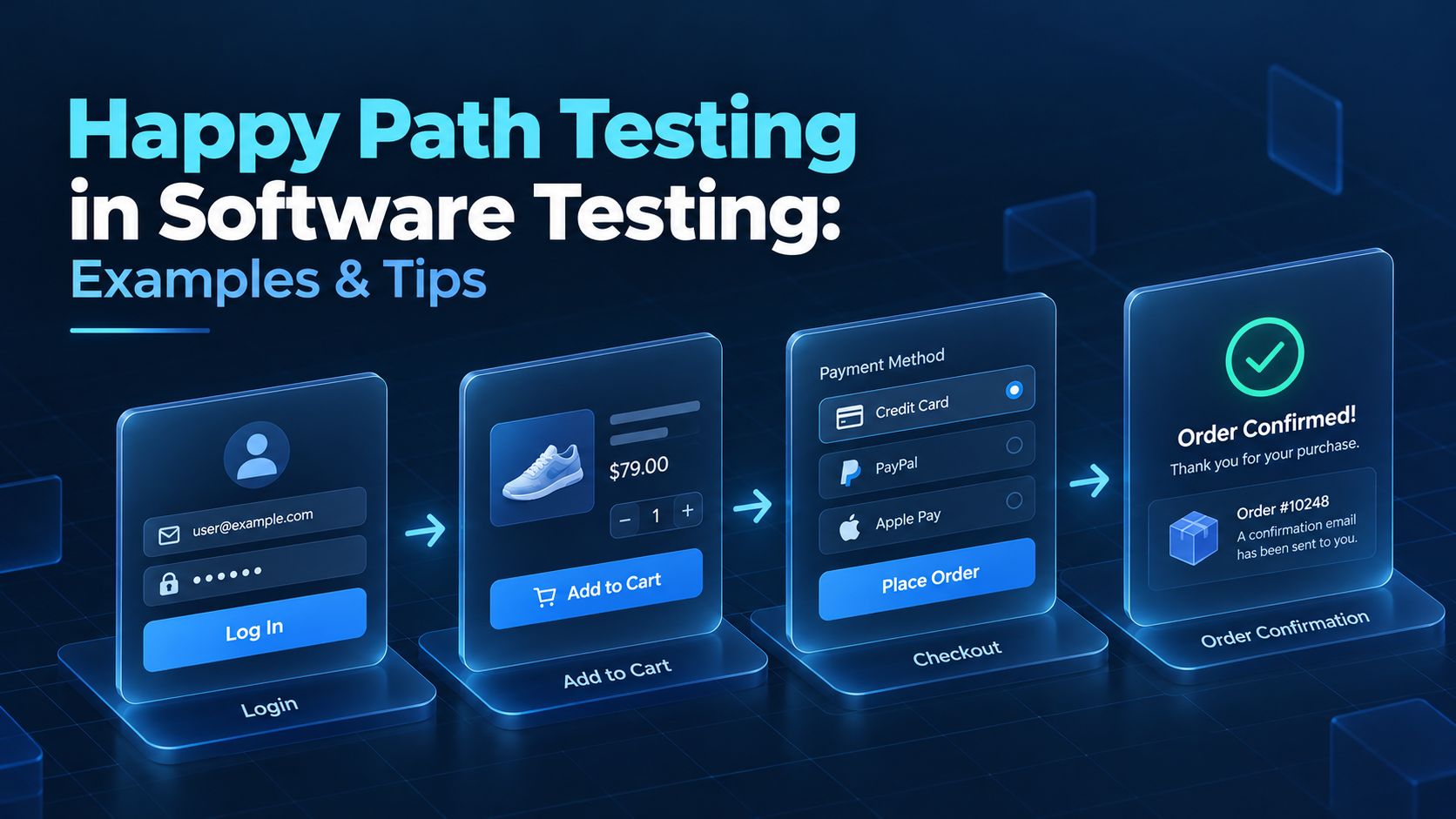
The ISTQB glossary defines a happy path as "the default scenario featuring no exceptional or error conditions." QA teams run these tests as smoke tests after new builds. A passed run shows that the main functions work, and deeper testing can start.
This guide explains how happy path testing in software testing works and where its coverage ends. It includes happy path testing examples with ready test cases. After that, you will find happy path testing best practices and common mistakes to avoid.
What Is Happy Path Testing?
Happy path testing checks that a feature works when the user enters valid data and follows the expected steps. According to the Ministry of Testing glossary, it "verifies your software works correctly when everything goes right."
Happy path testing overlaps with positive testing and differs from negative testing. The table shows how the three approaches compare on a login form:
Approach | What it checks | Login example |
Happy path testing | The main flow with valid input | Valid username and password open the dashboard |
Positive testing | All valid variations of the flow | Login with an email address in place of the username |
Negative testing | Invalid input and error handling | Wrong password returns an error message |
All happy path tests are positive tests, but positive testing also covers less common valid inputs. Negative testing, also called sad path or unhappy path testing, then checks how the system handles errors. For a longer guide with more background, see our article on happy path testing.
How Happy Path Testing Works
Happy path testing starts with the user stories and acceptance criteria of a feature. From these documents, your team derives the main flow and turns it into test cases with valid data. The process has these steps:
- Select the flows with the highest business value, such as login or checkout.
- Write test cases with valid test data and an expected result for the main flow.
- Prepare a stable test environment with realistic data and the required integrations.
- Run the tests and record results with screenshots or logs for failed steps.
- Automate stable happy paths and run them as smoke tests after builds.
In a Jenkins pipeline, a failed smoke test stage marks the build as failed, so later stages do not run. Your team then fixes the main flow before deeper testing starts on that build.
Happy Path Testing Examples and Test Cases
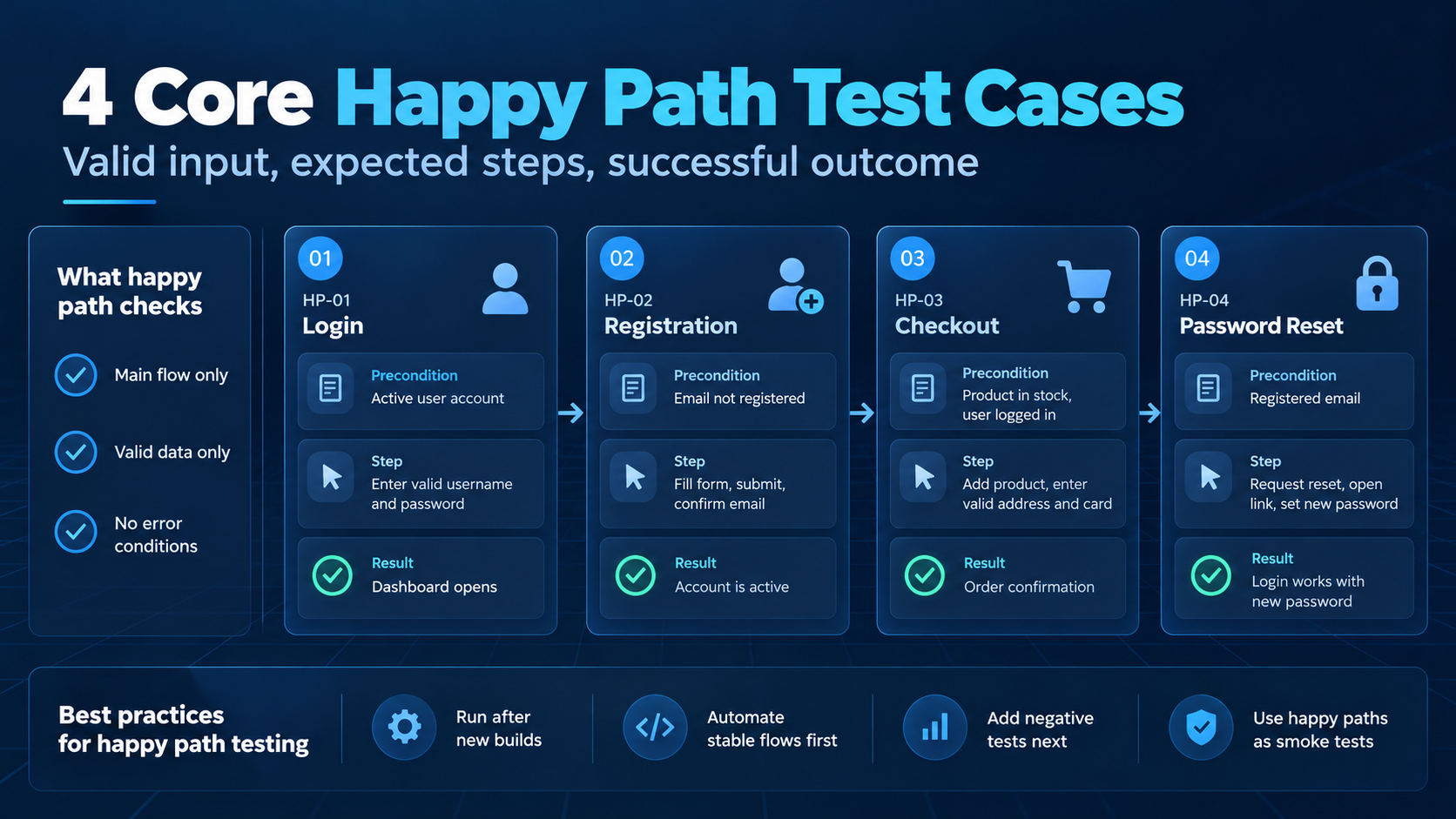
The following happy path test cases cover four flows from web applications. They use valid data and expect a successful result, which is the defining feature of a happy path:
ID | Flow | Precondition | Steps | Expected result |
HP-01 | Login | Active user account | Enter valid username and password, click Log in | Dashboard opens |
HP-02 | Registration | Email not registered | Fill in the form with valid data, submit, confirm the email link | Account is active |
HP-03 | Checkout | Product in stock, user logged in | Add product to cart, enter valid address and card, confirm | Order confirmation with order number |
HP-04 | Password reset | Registered email | Request reset, open link, set a valid new password | Login with the new password works |
These test cases confirm the main flows only. HP-01, for example, still needs negative tests for a wrong password and a locked account before the login feature counts as tested.
Happy Path Testing Best Practices
Your team runs happy path tests often and uses their results to decide whether deeper testing on a build makes sense. For this reason, they need clear scope and regular maintenance. Use these happy path testing best practices to keep them reliable:
- Base flows on real usage: Derive happy paths from acceptance criteria and from product analytics on how users move through the application.
- Keep one path per test case: Move variations, like login with an email address, into separate positive tests.
- Use realistic test data: Work with valid formats and masked, production-like records.
- Automate stable paths first: Run them as smoke tests after merges to the main branch.
- Update tests with the user story: When the acceptance criteria change, the happy path test case changes in the same sprint.
- Pair happy paths with negative tests: Add two or three negative tests for the most common user errors in that flow.
For practice 6, your team needs a view of which requirements have both types of tests. In aqua cloud, test cases are linked to requirements, so coverage per user story is visible in one place. With aqua Intelligence, you can also generate a test case from a requirement.
Common Mistakes in Happy Path Testing
Happy path testing has a narrow scope by design. Its results become misleading when a passed happy path suite is treated as full coverage, as in these cases:
- Treating green happy paths as release readiness: A passed checkout test says nothing about expired cards or payment timeouts.
- Overloaded test cases: A test that checks login and profile edits in one run hides which step failed.
- Outdated tests after UI changes: Tests that still follow an old form layout fail for reasons unrelated to the feature.
- No end-to-end flows: Login and checkout can pass as separate tests while the order fails at the payment provider's sandbox.
- Missing non-functional checks: A happy path that works for one user can still be too slow under the expected number of parallel sessions.
Final Thoughts
Start with the four test cases above and adapt them to the main flows of your product. Automate the stable ones as smoke tests, and add negative tests for the same flows in the next step.
Comments
Join the discussionNo comments yet. Be the first to comment.

